Stop Polluting Your Mac: Why I Only Use Docker for Laravel
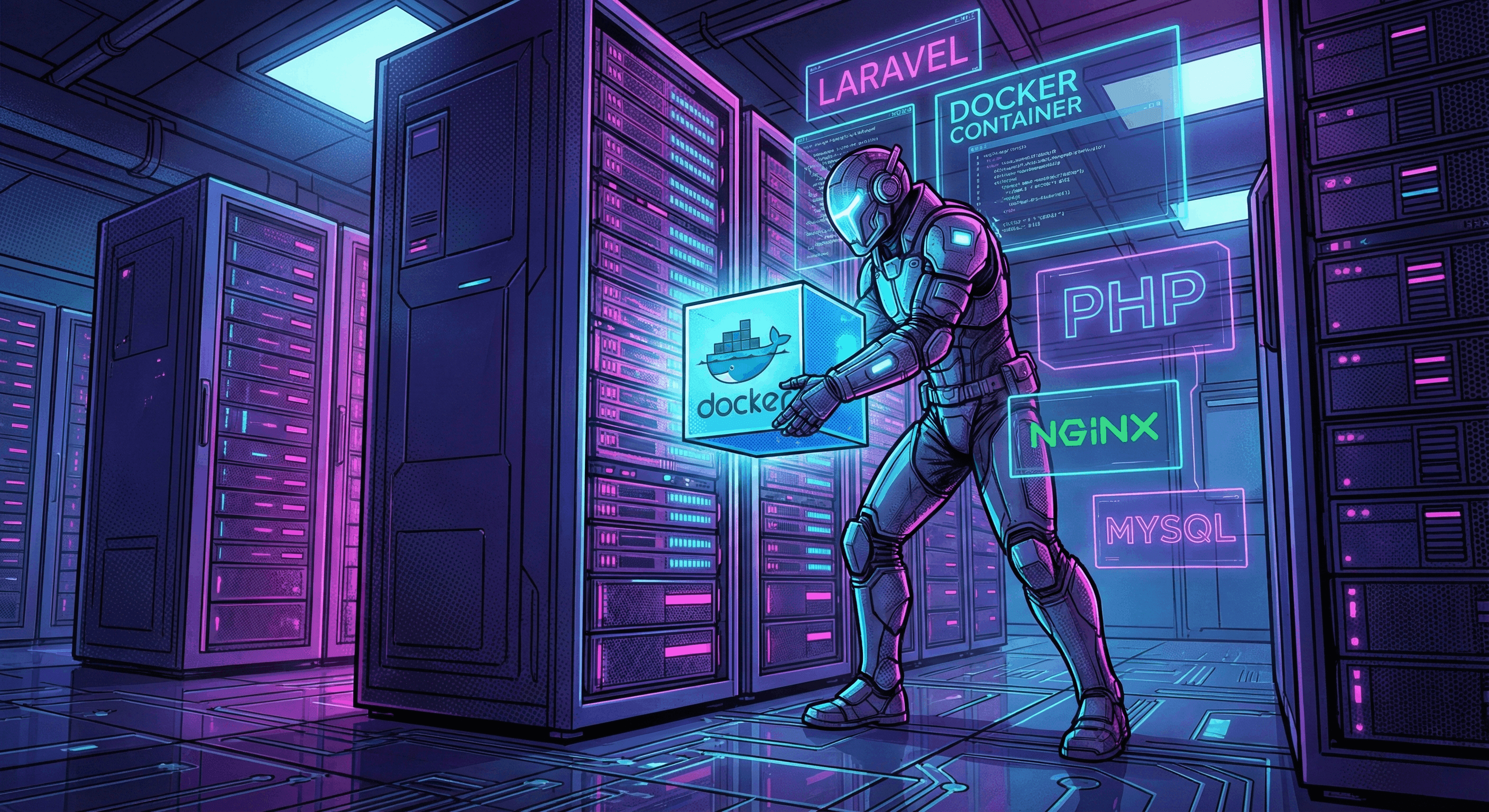
Why local development setups fail and how to use Docker to enforce immutable infrastructure for Laravel projects.
4 min read · 623 words
Stop Polluting Your Mac: Why I Only Use Docker for Laravel
Last month, I watched a new hire spend his first three days doing nothing but fighting his local environment.
He had the wrong PHP version installed via Homebrew. His local Redis was bound to the wrong port. MySQL was throwing a cryptic socket error that stack overflow couldn't solve. Three days of engineering salary vaporized because his laptop was a chaotic snowflake of global state.
That isn't software engineering. That's digital archeology.
Local development setups—whether it's XAMPP, Homebrew, or even Laravel Valet—rely on hope. They hope your OS hasn't updated something underlying. They hope your globally installed extensions match production.
Docker paves over that hope with concrete.
The "Works on My Machine" Lie
When you run php artisan serve on your host machine, you aren't building a production-ready application. You are building an application that happens to tolerate the exact, chaotic state of your specific laptop on this specific Tuesday.
The moment another developer pulls your code, or you push to staging, the illusion shatters.
Docker enforces discipline. It forces you to declare every single dependency, extension, and service your app needs to survive.
Continue Reading
The Immutable Contract: docker-compose.yml
A docker-compose.yml isn't just a configuration file. It's an immutable contract between your team.
version: '3.8'
services:
  app:
    build:
      context: .
      dockerfile: Dockerfile
    volumes:
      - .:/var/www/html
    ports:
      - '8000:8000'
    networks:
      - laravel_network

  mysql:
    image: mysql:8.0
    environment:
      MYSQL_DATABASE: laravel
      MYSQL_ROOT_PASSWORD: secret
    volumes:
      - mysql_data:/var/lib/mysql
    networks:
      - laravel_network

  redis:
    image: redis:alpine
    networks:
      - laravel_network

volumes:
  mysql_data:

networks:
  laravel_network:
    driver: bridge
When you commit this file, you are saying: "I don't care what OS you run, what brew packages you installed last year, or what phase the moon is in. You will run PHP 8.3, MySQL 8.0, and Redis. Period."
Building the Impregnable Fortress
Your Dockerfile shouldn't be a bloated, copy-pasted mess you found in a 2018 tutorial. It needs to be intentional.
FROM php:8.3-fpm

# Install the exact system dependencies we need. Nothing more.
RUN apt-get update && apt-get install -y \
    git \
    curl \
    libpng-dev \
    libonig-dev \
    libxml2-dev \
    zip \
    unzip

# Lock down our PHP extensions
RUN docker-php-ext-install pdo_mysql mbstring exif pcntl bcmath gd

# Get Composer
COPY --from=composer:latest /usr/bin/composer /usr/bin/composer

WORKDIR /var/www/html
Notice the absence of bloat. We only install what the application explicitly requires. We don't guess. We declare.
Volume Management: The Speed Trap
The biggest complaint developers have about Docker (especially on macOS) is that it's "too slow."
Docker isn't slow. Your volume management is bad.
If you mount your entire project directory—including vendor/ and node_modules/—into the container, Docker has to sync tens of thousands of tiny files across the hypervisor bridge every time you make a change. It's like trying to drink an ocean through a straw.
Here is what actually works:
- Mount source code for hot reloading. Your custom code needs to sync instantly.
- Use named volumes for database persistence. Never lose your database state when tearing down containers (
docker-compose downvsdocker-compose down -v). - Isolate heavy directories. Let the container manage its own
vendordirectory using anonymous volumes, or use Docker's VirtioFS on Mac for native-like file system performance.
The New Workflow
Stop polluting your host machine.
Need to run a migration? Don't run php artisan migrate. Run docker-compose exec app php artisan migrate.
Need to install a package? docker-compose exec app composer require guzzlehttp/guzzle.
If you can't tear down your entire development environment and spin it back up from zero in under 3 minutes, you aren't doing engineering. You're doing arts and crafts.
Is your local environment a liability, or an asset?

Bashar Ayyash (Yabasha)
AI Systems Architect for regulated industries — evals, harness design, AI security.
Bashar Ayyash is an AI engineer and dev lead in Amman, Jordan. 20 years shipping software, 4 years inside Alrajhi Bank building production RAG and agent systems with evals, guardrails and monitoring — in Arabic and English. He writes at yabasha.dev and builds open-source tooling for AI-assisted development.
Newsletter
Practical AI + full-stack insights for MENA builders. No spam.
Read more on the blog
Browse the latest articles or explore the full archive.